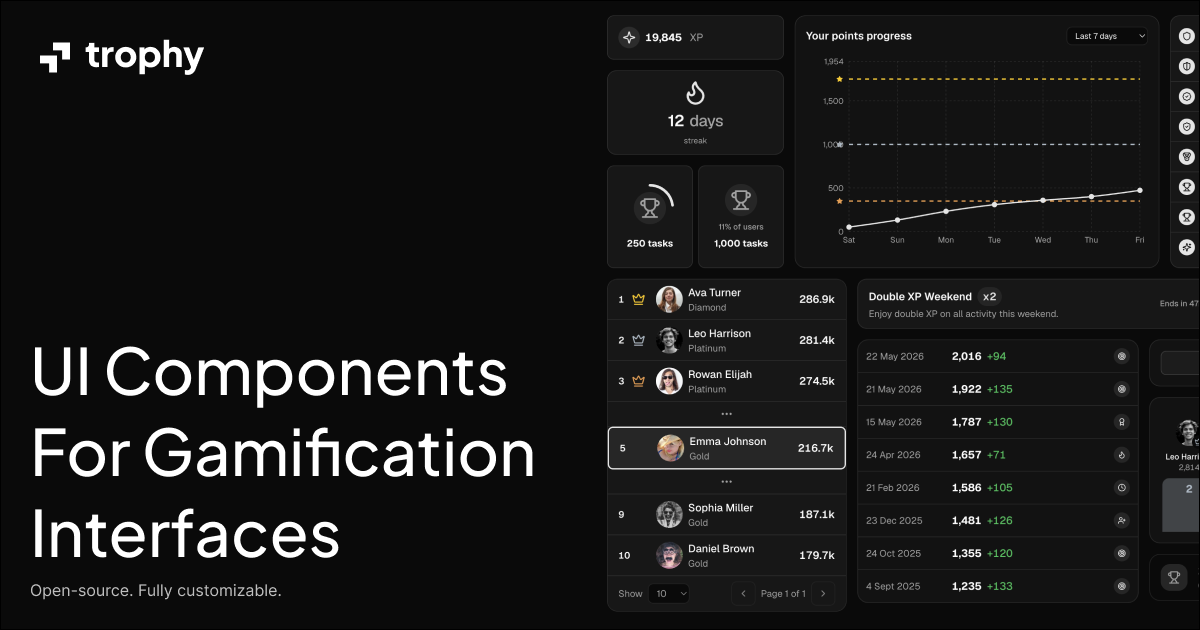
Gamification UI Kit by Trophy
is a component library built on top of to help you build gamification experiences faster.
Overview
Trophy's Gamification UI Kit provides pre-built, customizable React components for gamification—streaks, achievements, leaderboards, points, XP charts, event banners, and more. The CLI pulls components straight from the registry so you can own the code and tailor it to your product.
Installation
Use the shadcn CLI with the Trophy registry URL:
Prerequisites
Before using Trophy's Gamification UI Kit, ensure your project meets these requirements:
- Node.js 18 or later
- React 18+ — components are client-side React
- Tailwind CSS v4+ configured so utility classes compile (see Trophy expects)
- shadcn/ui initialized in your project (
npx shadcn@latest init) withcomponents.jsonand path aliases set up
Usage
Install all components
Install every registry component at once:
This adds components (and any shared primitives they depend on) into your configured components directory.
Install specific components
Add individual components by name:
Examples:
Explicit registry URLs
You can also point at the JSON registry entries directly:
Browse the component catalog at , or on the docs site: and the .
Contributing
If you would like to contribute to Gamification UI Kit by Trophy:
- Fork the repository
- Create a branch for your change
- Make your updates (registry sources live under
apps/www/registry/) - Open a pull request against
main
Read the for local setup, pnpm registry:build, and review expectations.
License
Licensed under the .
Built by .