Scrim UI

The UI layer your AI product is missing.

Free in-browser tools and copy-ready components for AI interfaces — prompt inputs, agent states, tool calls, citations, reasoning, voice and memory.
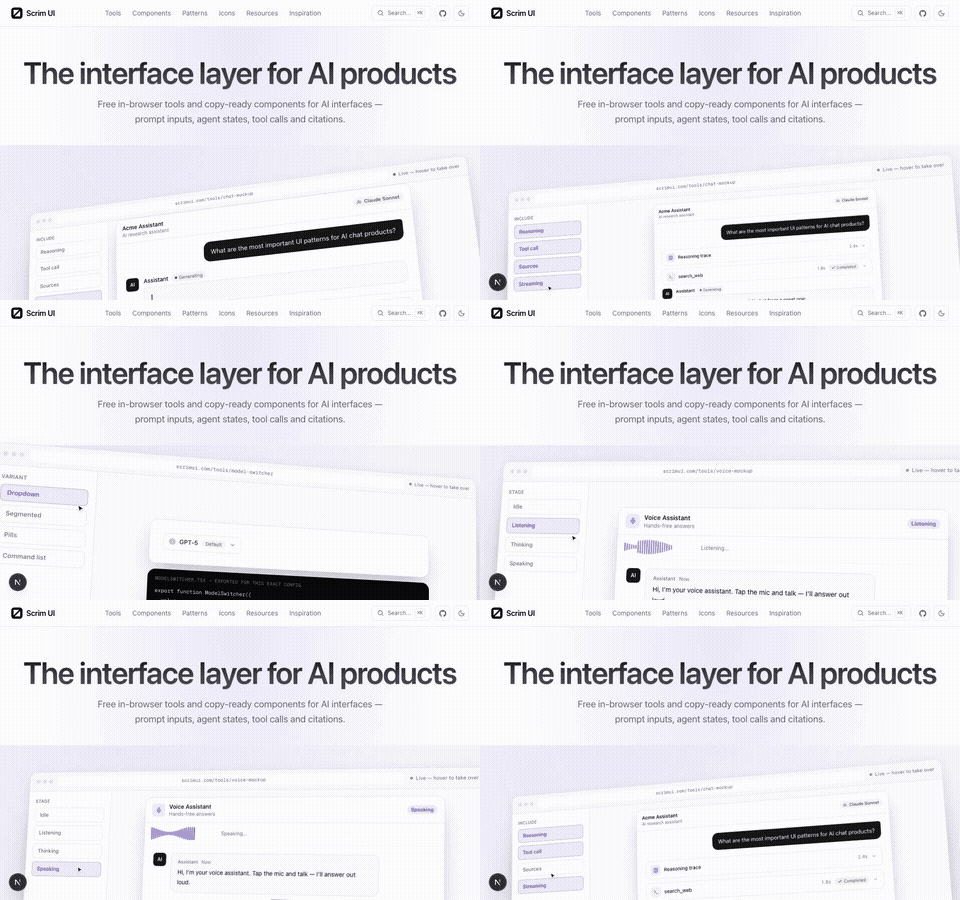
Scrim UI hero showcase cycling through the chat mockup and model switcher tools

A scrim is the gauze that looks opaque until you light what is behind it. AI products invented a whole vocabulary of interface in three years — streaming, tool calls, reasoning traces, approval gates, context windows, memory — and nobody wrote it down. This is the attempt: what each concept is called, what icon it gets, what it looks like, what code it is, and when to use it.

What it looks like

The homepage demo is live DOM — the same components the tool pages ship — driven by a scripted cursor. Hover anywhere to take over.
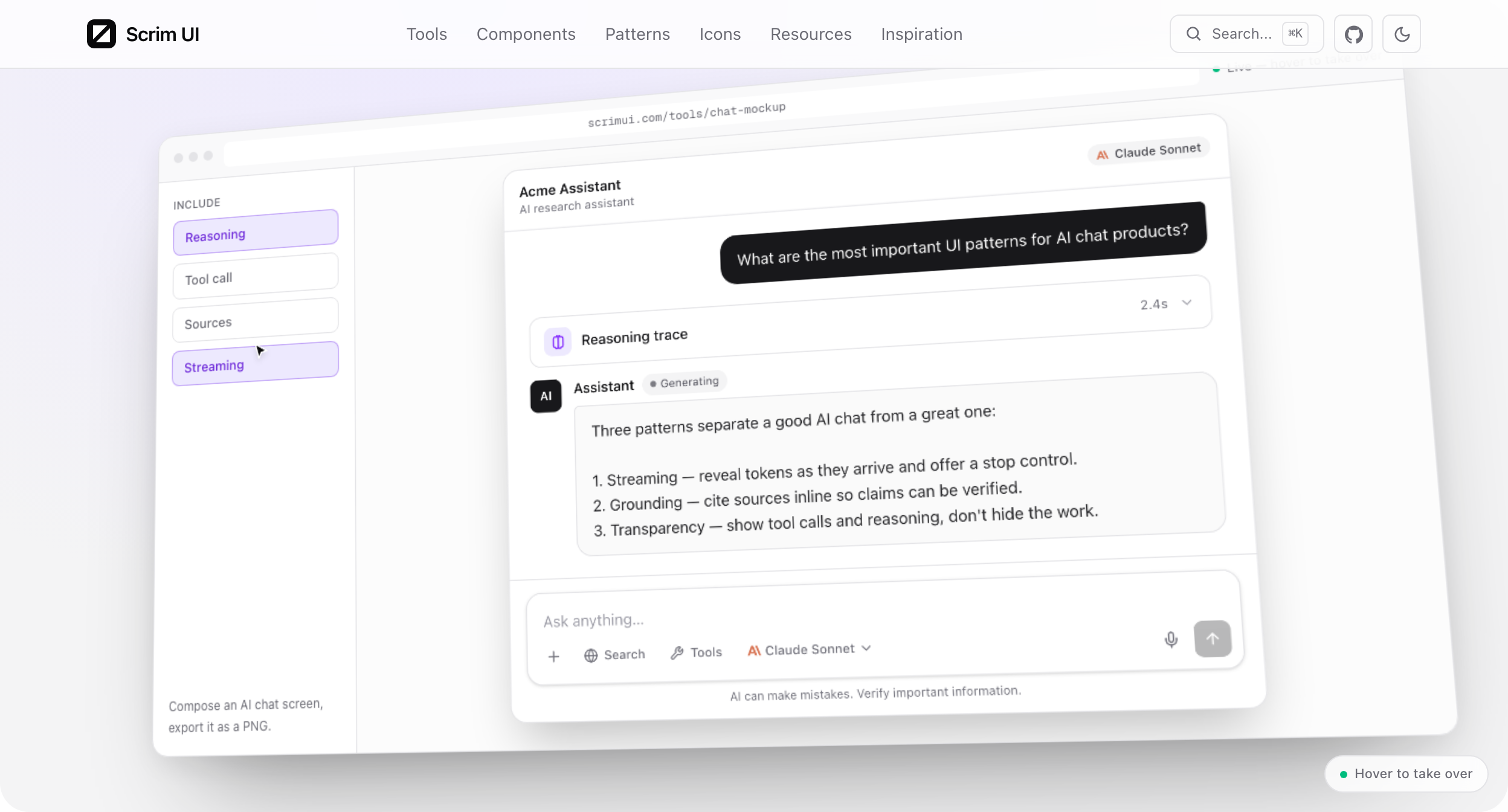
Scrim UI homepage hero showing the chat mockup and model switcher tour

The groups models by provider and regenerates the exported component as you change the props:
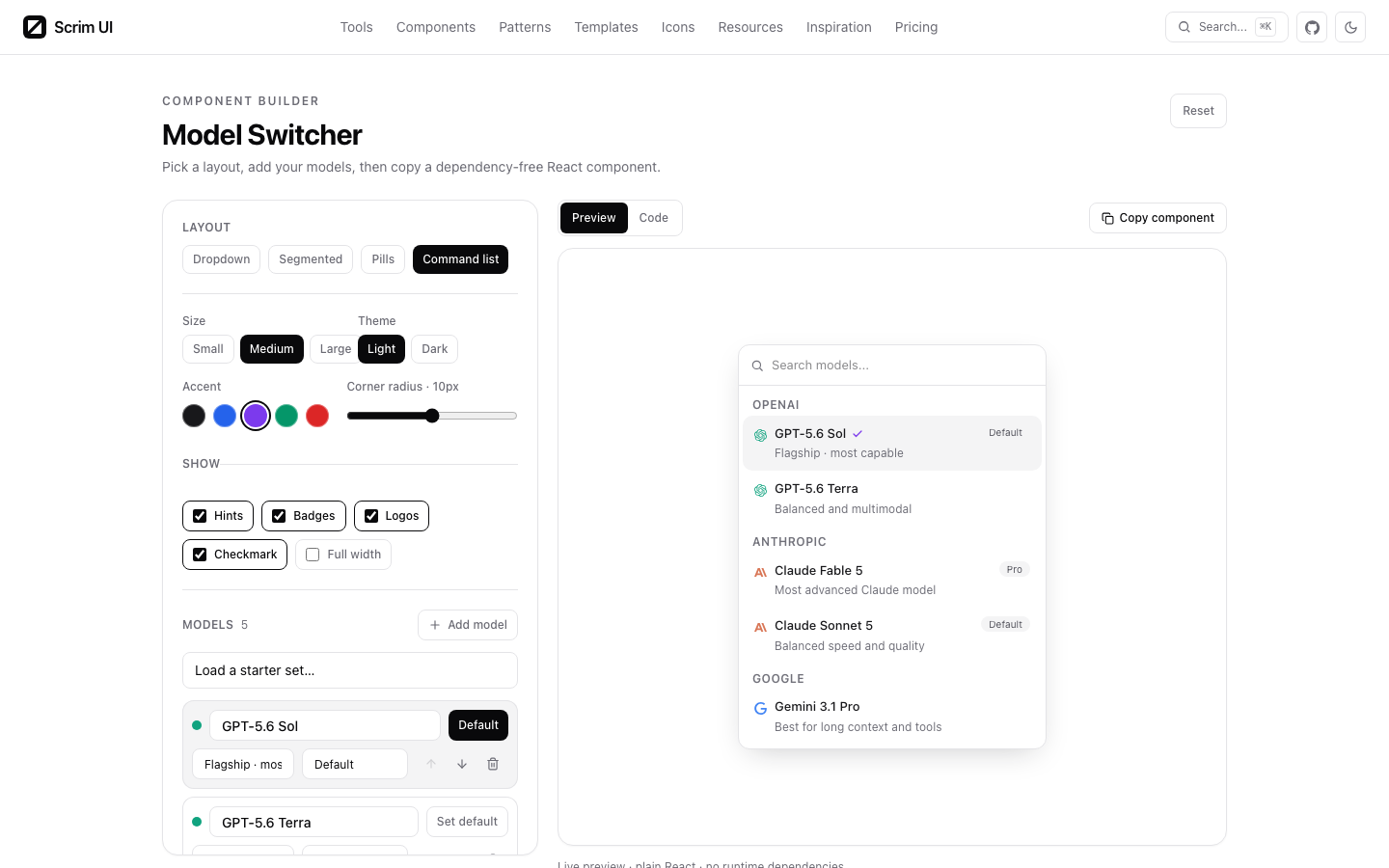
Scrim UI model switcher tool page

Install a component

bash
npx shadcn@latest add https://scrimui.dev/r/prompt-input.json

All 29 components are in the registry; the index is at .

Or skip the CLI entirely — every free component page has the full MIT source and a copy button. Pro implementations are built in a separate private repository and delivered only after an entitlement check.

What is here

Nine in-browser tools. Compose a chat or voice mockup and export a PNG, generate a theme from one brand colour, count tokens and costs, frame a screenshot. Nothing uploads; it all runs locally.
29 single-file React + Tailwind components, each with a live prop explorer that regenerates the call site as you change it.
Five whole screens — chat, research, coding agent, voice, preferences — assembled from those components.
Lucide ships 2,034 icons and no opinion about which one means "tool call". This is that opinion: one icon per concept, each on a page where you can set size, stroke and colour before you copy it.
A curated directory of 102 libraries, generators and guides, each with a note on why it is listed.
Element-by-element breakdowns of ChatGPT, Claude, Perplexity and Cursor, plus decision guides — when to stream, when to pause for approval — each grounded in official docs.

Run it locally

bash
npm installnpm run dev

Next.js App Router, Tailwind v4, TypeScript. No database, no API keys, no environment variables required — every page is statically generated.

npm run devDev server on :3000
npm run buildProduction build. 253 static routes, including every OG card and registry entry
npm run lintESLint
npx tsc --noEmitTypes
node scripts/contrast.mjsChecks the colour tokens against WCAG AA. Run it after touching globals.css
npm run previewsRe-captures the resource screenshots with Playwright. Slow, rarely needed

Set NEXT_PUBLIC_SITE_URL to override the origin used by the sitemap, canonical URLs and the registry.

Layout

src/  app/                     routes; opengraph-image.tsx and r/[name] are build-time generated  showcase/<slug>/    <slug>.tsx             the component — one file, React only, this is what ships    demos.tsx              rendered examples    controls.tsx           the prop schema the explorer drives    page-config.tsx        usage notes and common mistakes  components/    site/                  header, footer, hero showcase, card previews    tools/                 the ten browser tools    component-page/        the explorer and code display  lib/    registry.ts            the component list — source of truth for the site and the registry    icon-guide.ts          concept → Lucide icon    resources.ts           the directory    inspiration.ts         the articles

Pro names, descriptions and file manifests live in src/lib/pro-catalog.json. The paid implementations do not live under this Git root. See LICENSING.md [blocked] and run npm run check:public before publishing.

Licence

The software source present in this public repository is MIT [blocked]. Copy a free component and you owe nothing — no attribution in your product and no link back.

Pro source is distributed separately under the commercial licence [blocked]. Editorial content, the name and mark, and third-party screenshots are also outside MIT; LICENSING.md [blocked] defines the exact boundary.

Icons are from under the ISC licence. The icons are theirs; the concept-to-icon mapping is ours.