openstatus
The open-source status page and uptime monitoring platform.
·
·
About openstatus
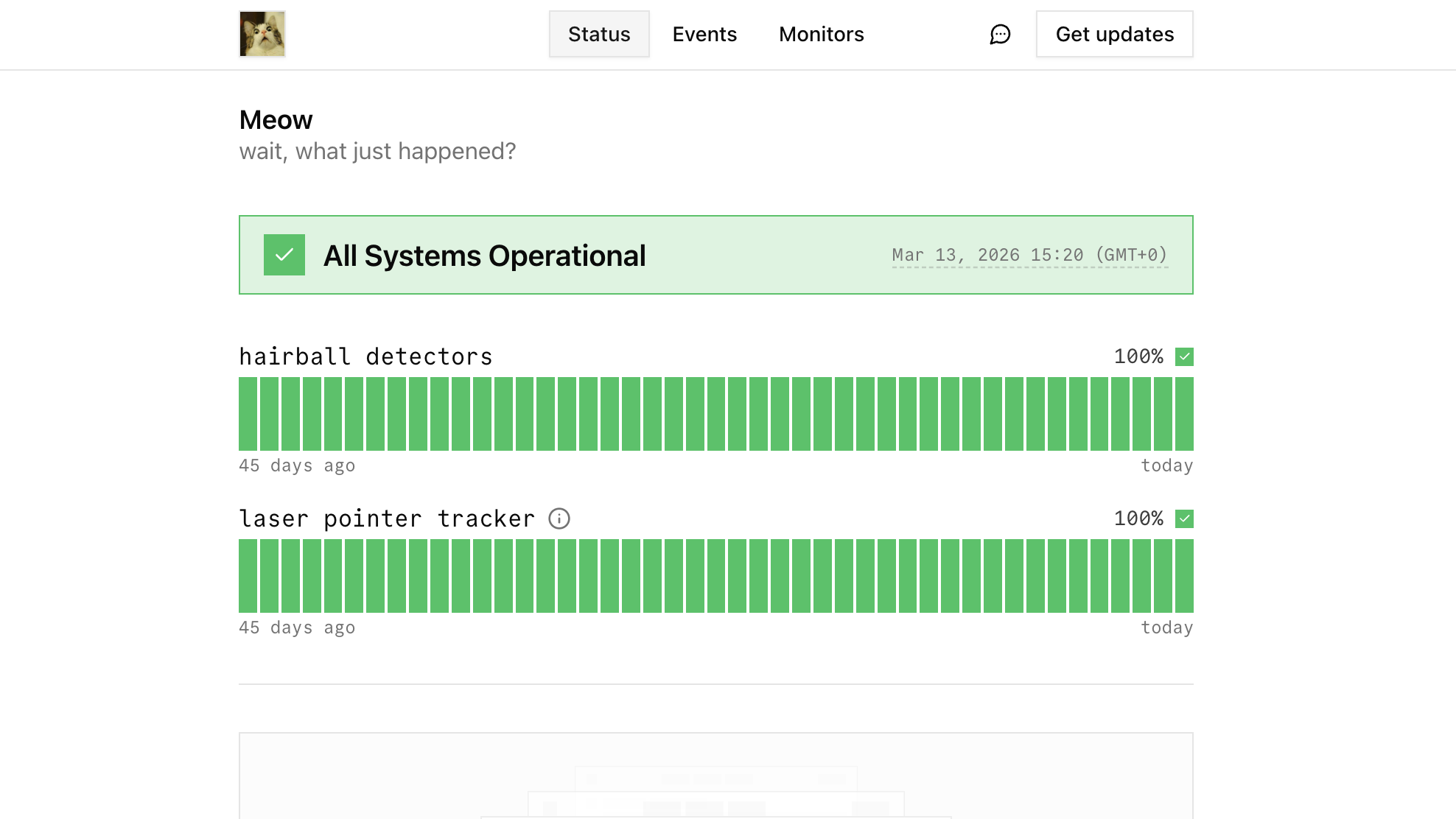
openstatus is an open-source platform that combines status pages and uptime monitoring in a single tool. Keep your users informed and your services reliable. Available as a managed service or self-hosted.
Why openstatus?
- Status pages + monitoring in one tool — no need to wire up a separate monitoring service
- 28 global regions checking in parallel across 3 cloud providers
- Flat pricing, unlimited members — no per-seat or per-subscriber charges
- Open source & self-hostable — AGPL-3.0, private-locations run in a single 8.5MB Docker image
- Monitoring as code — YAML config, CLI, GitHub Actions, Terraform
- Incident communication — subscriber notifications via email, RSS, and webhooks
Status pages
Beautiful, customizable status pages with custom domains, password protection, maintenance windows, and subscriber notifications via email and RSS. Build trust and keep your users informed during incidents.
Uptime Monitoring
Monitor your servers, websites and APIs from 28 regions across multiple cloud providers globally. Get notified via Slack, Discord, PagerDuty, email, and more when your services are down or slow.
Recognitions
Tooling
Everything the dashboard does is reachable from your terminal, your infrastructure code, and your AI assistant — all sharing a single API key.
- — typed JSON-over-HTTP (ConnectRPC) with a
- — interactive for humans,
--jsonfor agents, YAML monitoring as code - — monitors, notifications, and status pages as HCL
- — connect Claude, ChatGPT, Cursor, or any MCP client to your workspace
Getting Started
With Docker (Recommended)
The fastest way to get started for both development and self-hosting:
Full guide: DOCKER.md [blocked]
Self-Hosting with Coolify
We provide pre-built Docker images for easy deployment:
Manual Setup
Requirements
- >= 20.0.0
- >= 10.26.0
- .
Dashboard
See apps/dashboard/README.md [blocked] for full steps (env, db, login, troubleshooting).
Status page
- Install dependencies
pnpm install
- Run the server
pnpm -w dev:status-page.
Web (marketing site)
- Install dependencies
pnpm install
- Run the server
pnpm -w dev:web.
Tech Stack
- - Dashboard
- - API server
- - Checker
- - Database
- - ORM
- - Analytics
- - Styling
- - UI components
Contributing
If you want to help us build the best status page and monitoring platform, check our .
Contact
Interested in our enterprise plan or need special features? Email us at or book a call.
License
Distributed under the AGPL-3.0 License [blocked].