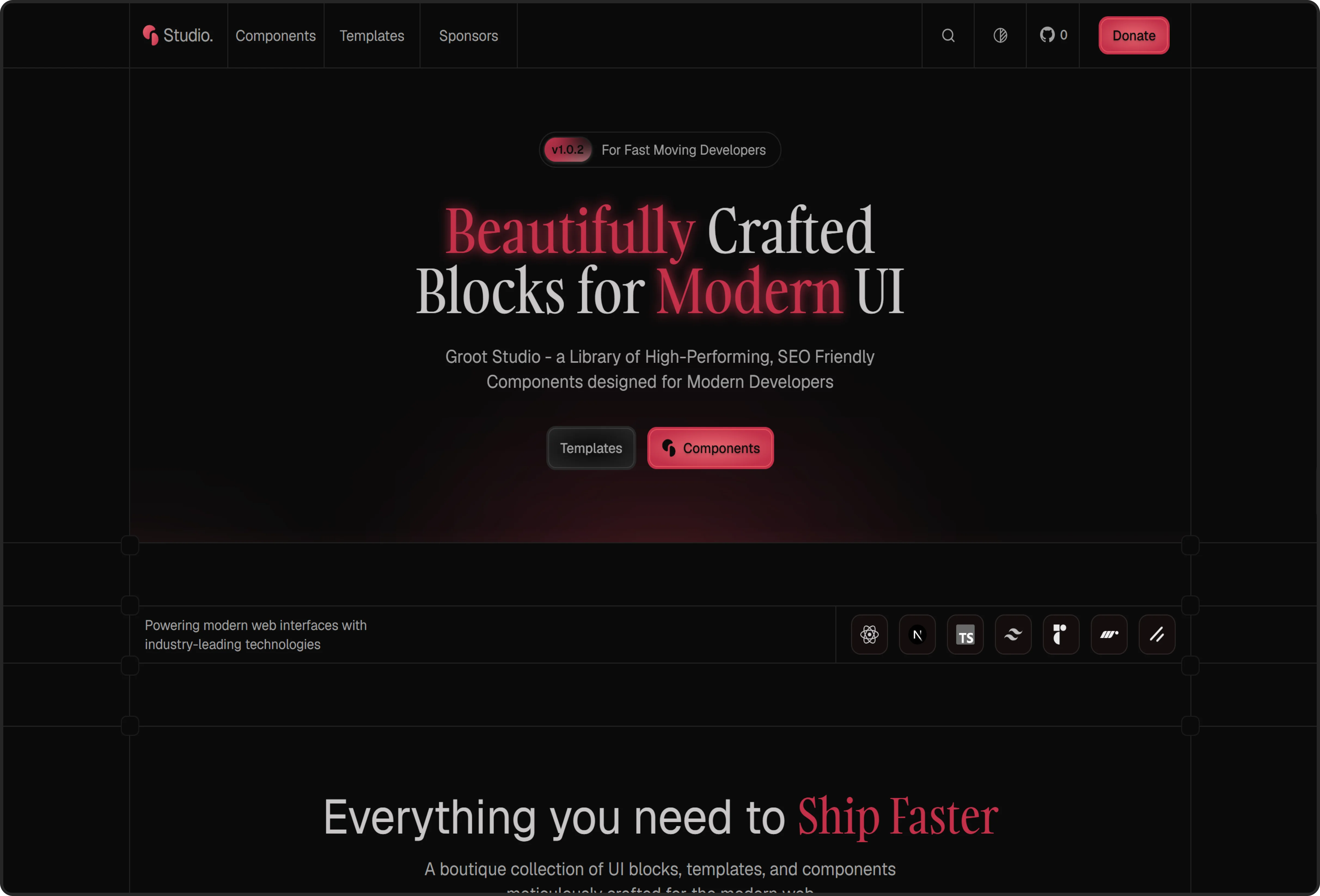
Groot Studio
A premium, open-source component registry for high-performance React applications.


Built with 🧡 by
| |
Star History
Installation
1. Requirements
Ensure your project environment meets the following:
- Node.js: 18+
- Tailwind CSS: v4
- shadcn/ui: Initialized (
npx shadcn@latest init)
2. Add a Component
Groot Studio components are installed via the shadcn CLI using their alias(@grootstudio).
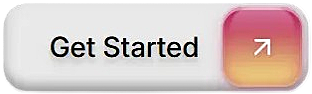
For example, to add the Sliding Button :
Once installed, you can import the component in your files:
and use it like this:
[!Note] The import path
@/components/ui/sliding-buttonassumes your project has a path alias configured (common in and similar frameworks). Adjust the path to match your project's structure if needed.